Help & Guides / Step-by-step guide
Add your drone and batteries
Add a drone with its specs filled in for you, then its batteries and controller, so the planner and your flight log can use them.
- Menu
- Office › Equipment › Equipment
- Direct link
- skysuite.pro/office/equipment
- Level
- Basic
- Length
- 7 steps, about 3 minutes
-
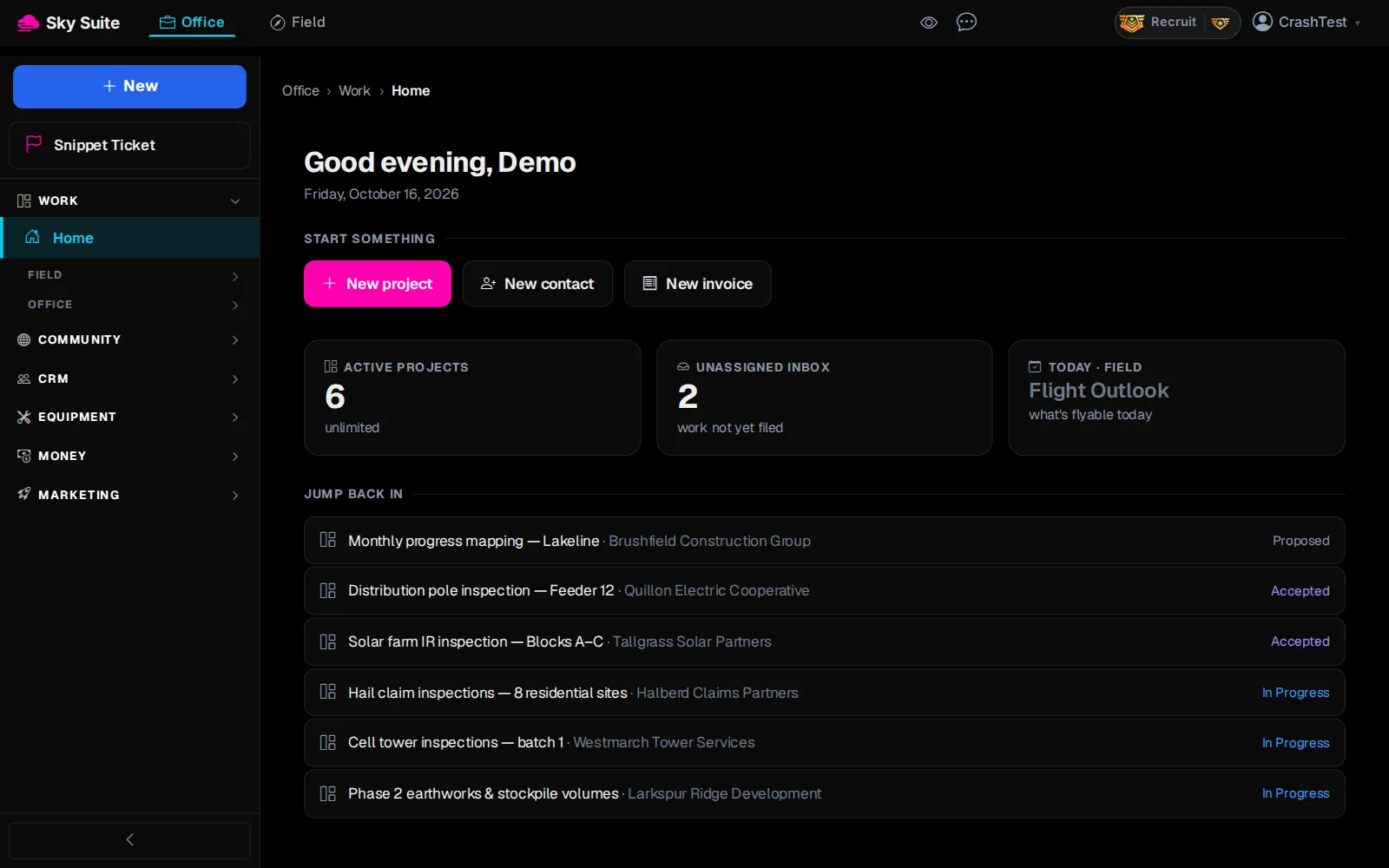
Step 1: In the left menu, click “Equipment” to open the group.
Opens“Equipment”, “Inventory”, “Checklists”, “Flight Log” and “Rentals”.
-
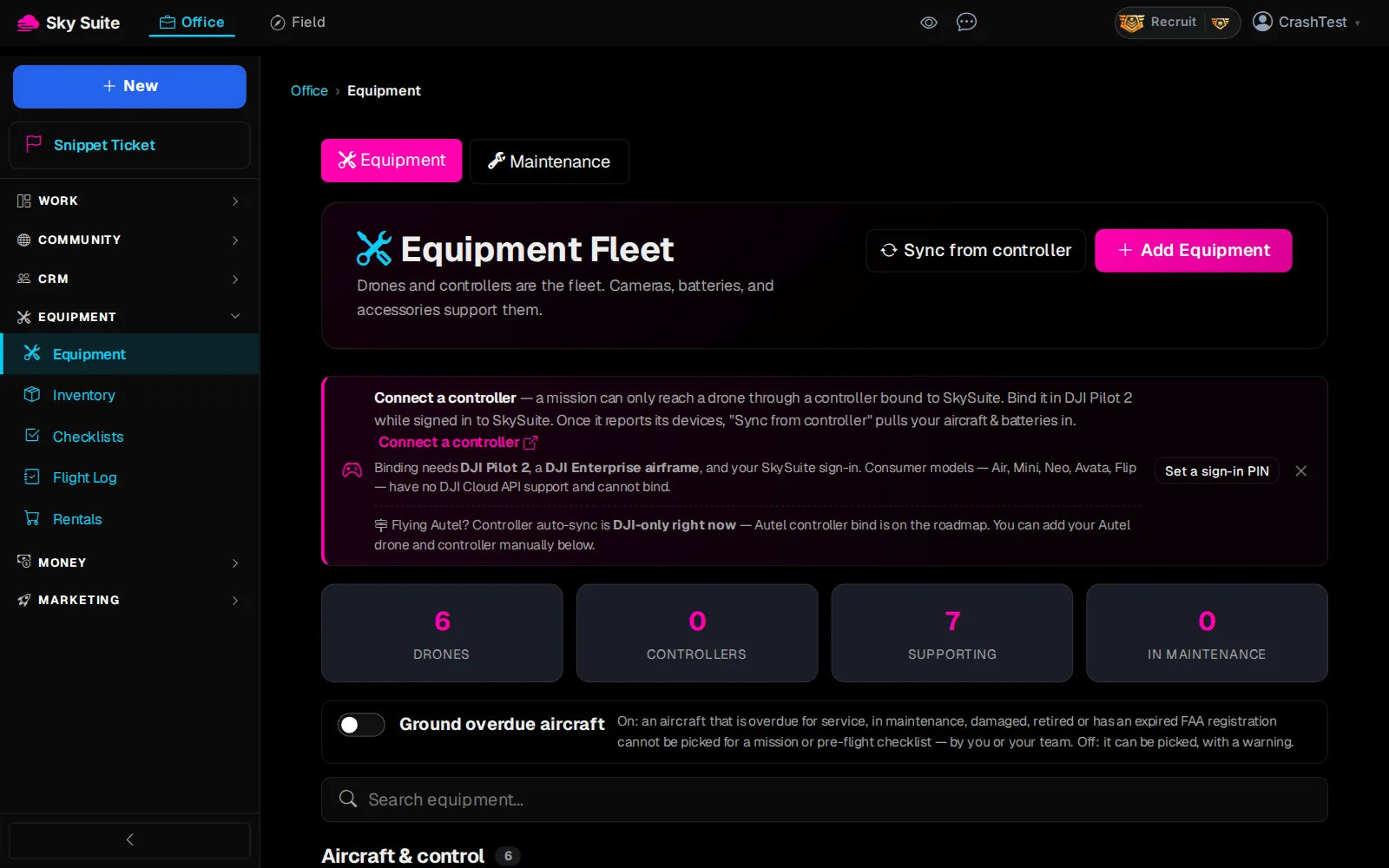
Step 2: Click “Equipment”.
OpensThe “Equipment Fleet” page: your drones, batteries and other gear.
-
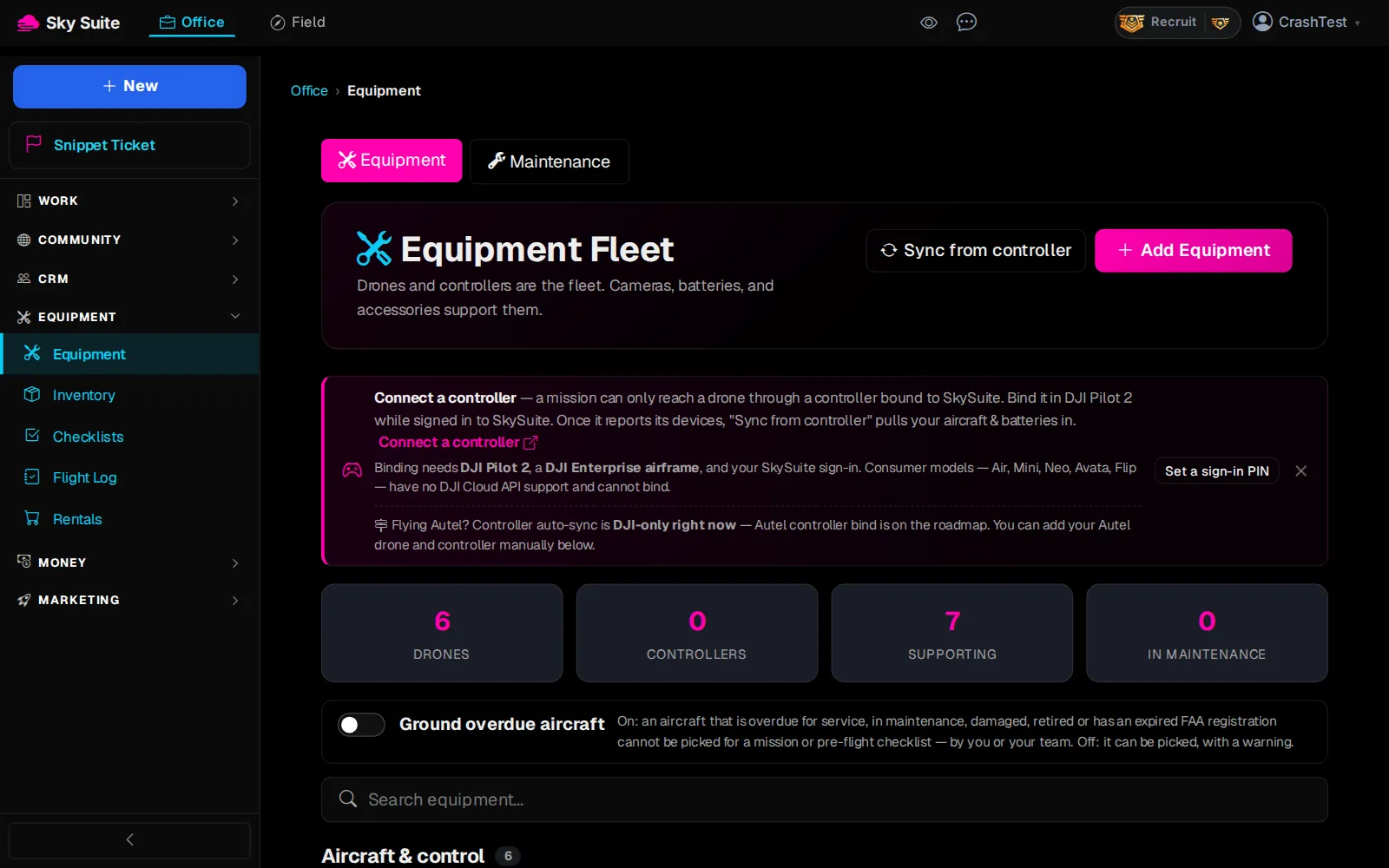
Step 3: Click “Add Equipment”.
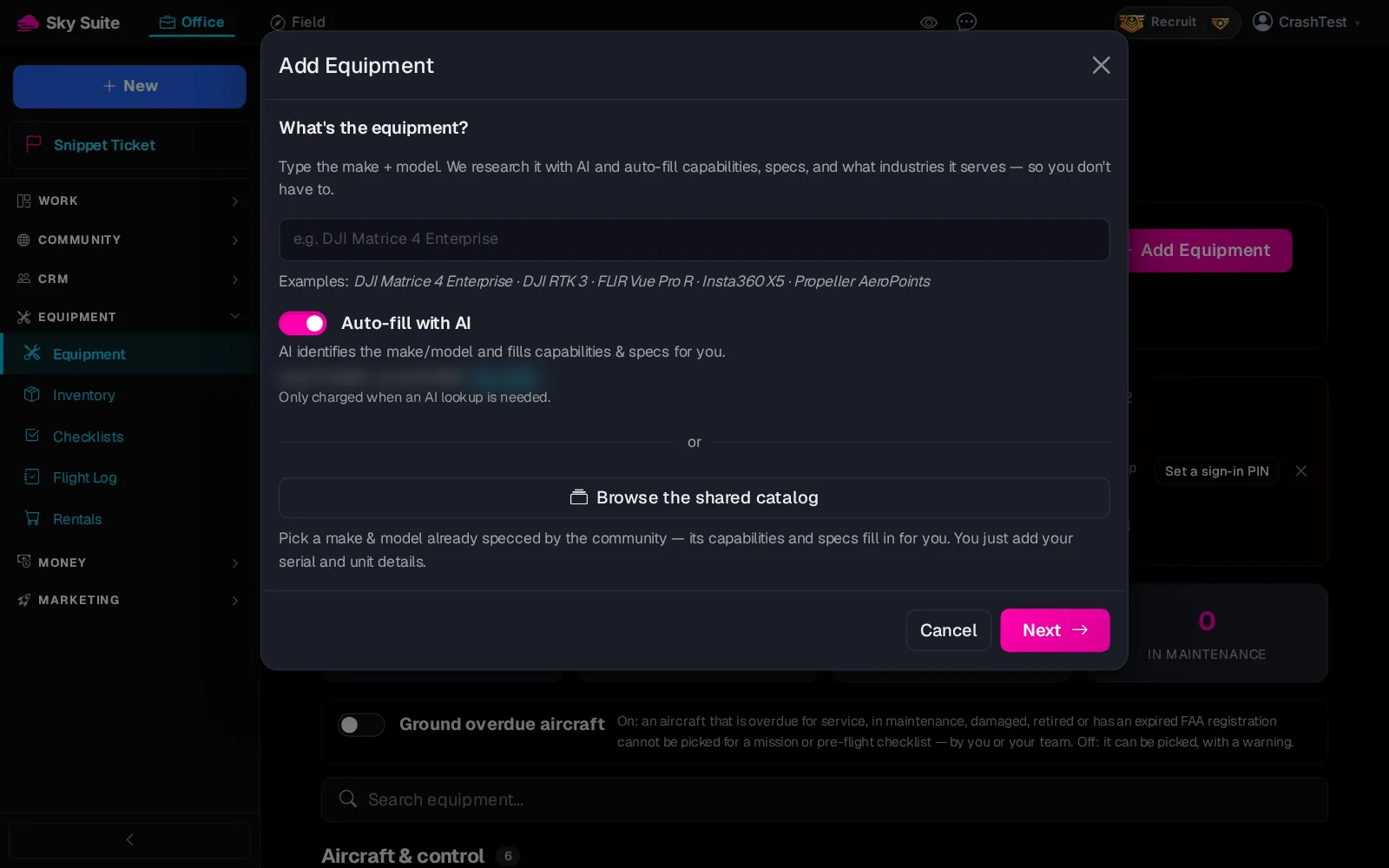
OpensThe “Add Equipment” box, asking what the equipment is.
-
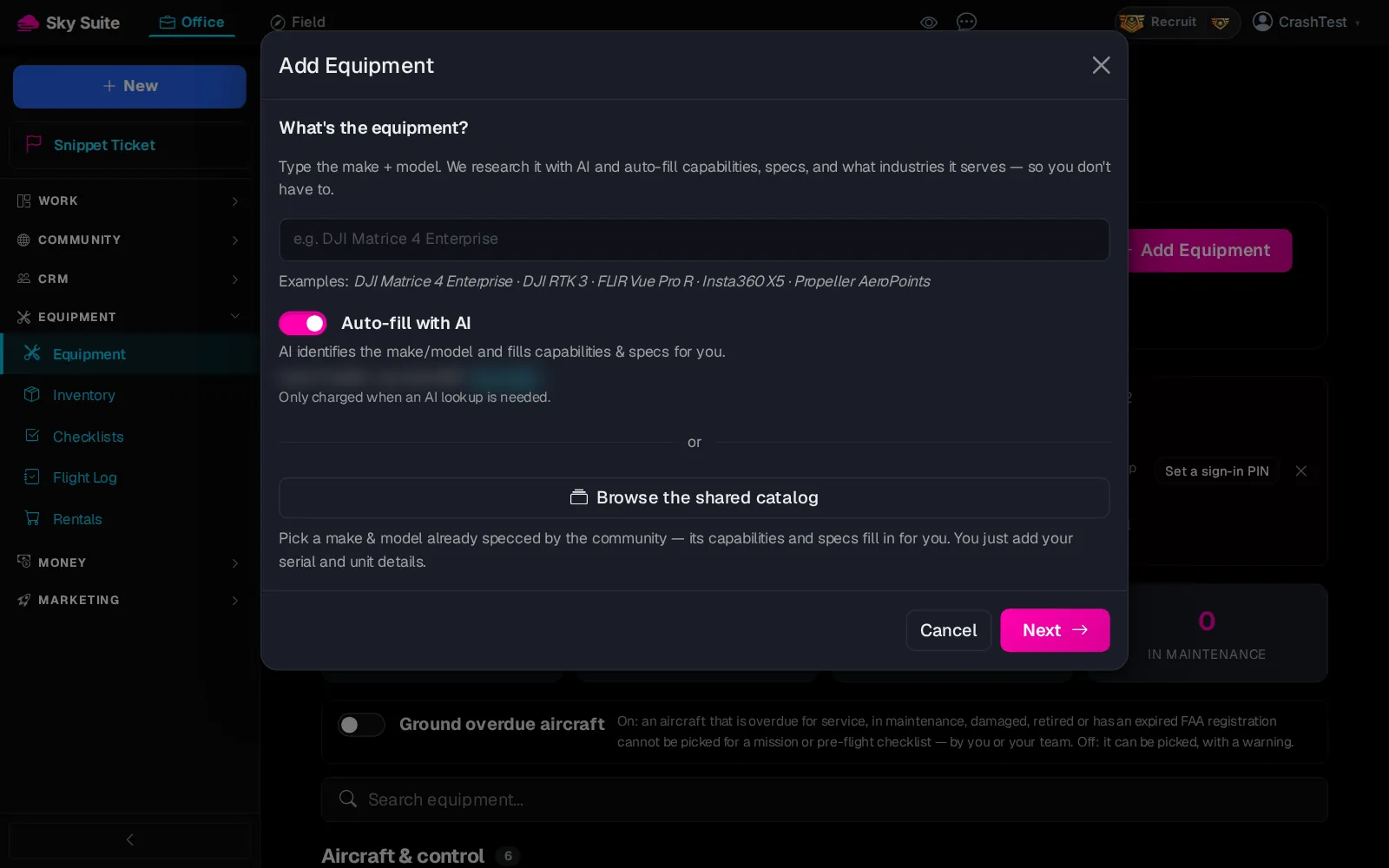
Step 4: Type the make and model, for example “DJI Matrice 4E”. “Auto-fill with AI” (marker 1) fills in the specs for you and uses a credit; turn it off to type them yourself, or click “Browse the shared catalog” (marker 2) to pick the model from a list.
-
Step 5: Click “Next” (marker 1).
Opens“Your-unit details” for this one drone.
-
Step 6: Pick the “Type” and “Status” (“In service” for a drone you fly), and add “Registration / FAA” and “Remote ID Serial”. “Nickname (optional)” helps when you have two of the same model.
-
Step 7: Click “Save”.
OpensThe “Equipment Fleet” page, with your drone under “Drones”. Add each battery and the controller the same way; they show under “Batteries & power” and “Other”.
Bound a DJI controller? “Sync from controller” at the top of the page brings in your aircraft and batteries for you. The mission planner lists only drones on this page: Plan a mission. More: Equipment.