Help & Guides / Step-by-step guide
Run the setup wizard
Answer the setup questions once so your profile, pilot details and business are filled in.
- Menu
- Your name › Setup wizard
- Direct link
- skysuite.pro/onboarding
- Level
- Basic
- Length
- 7 steps, about 3 minutes
-
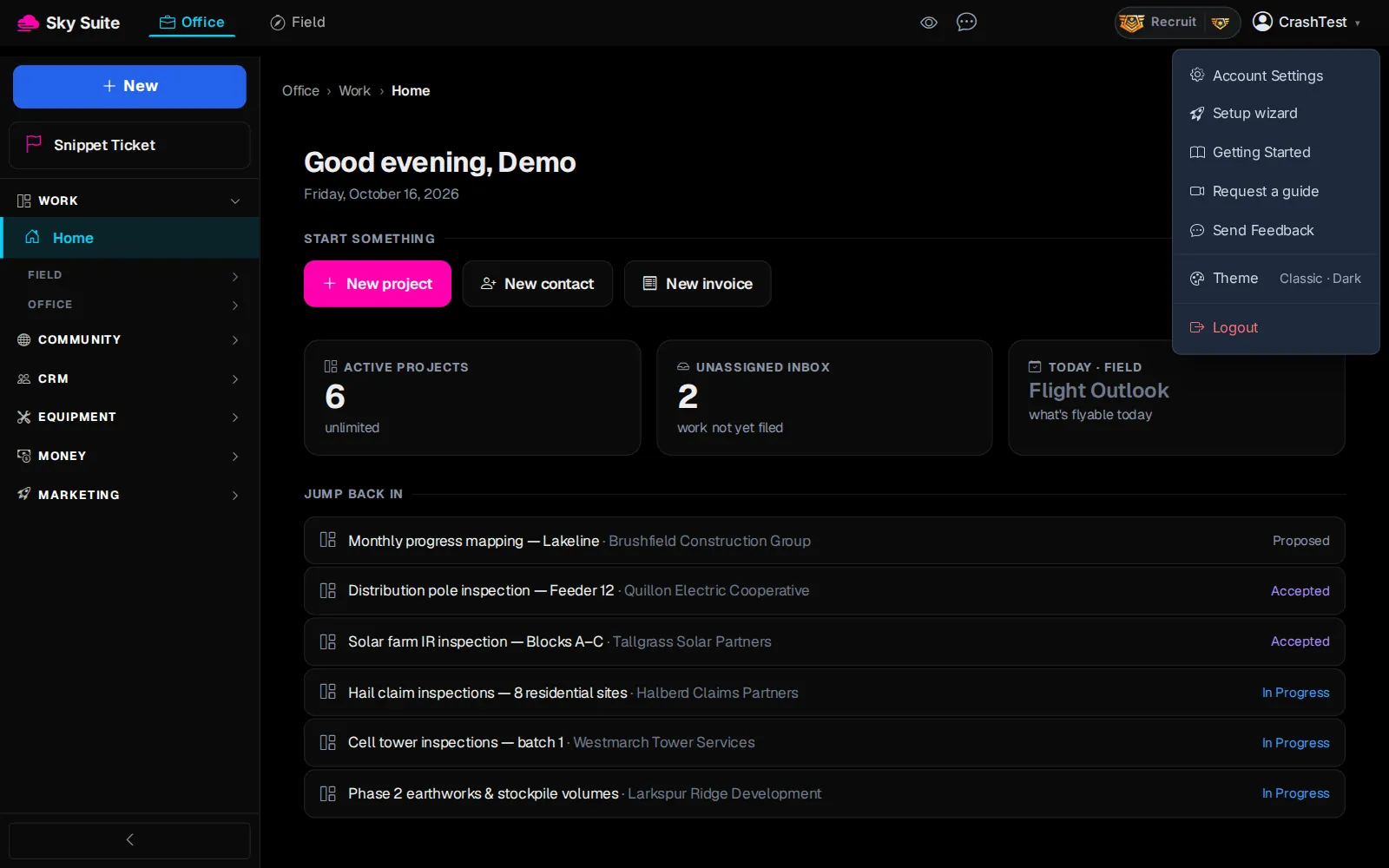
Step 1: At the top right, click your name (“CrashTest” in these pictures).
OpensThe menu under your name.
-
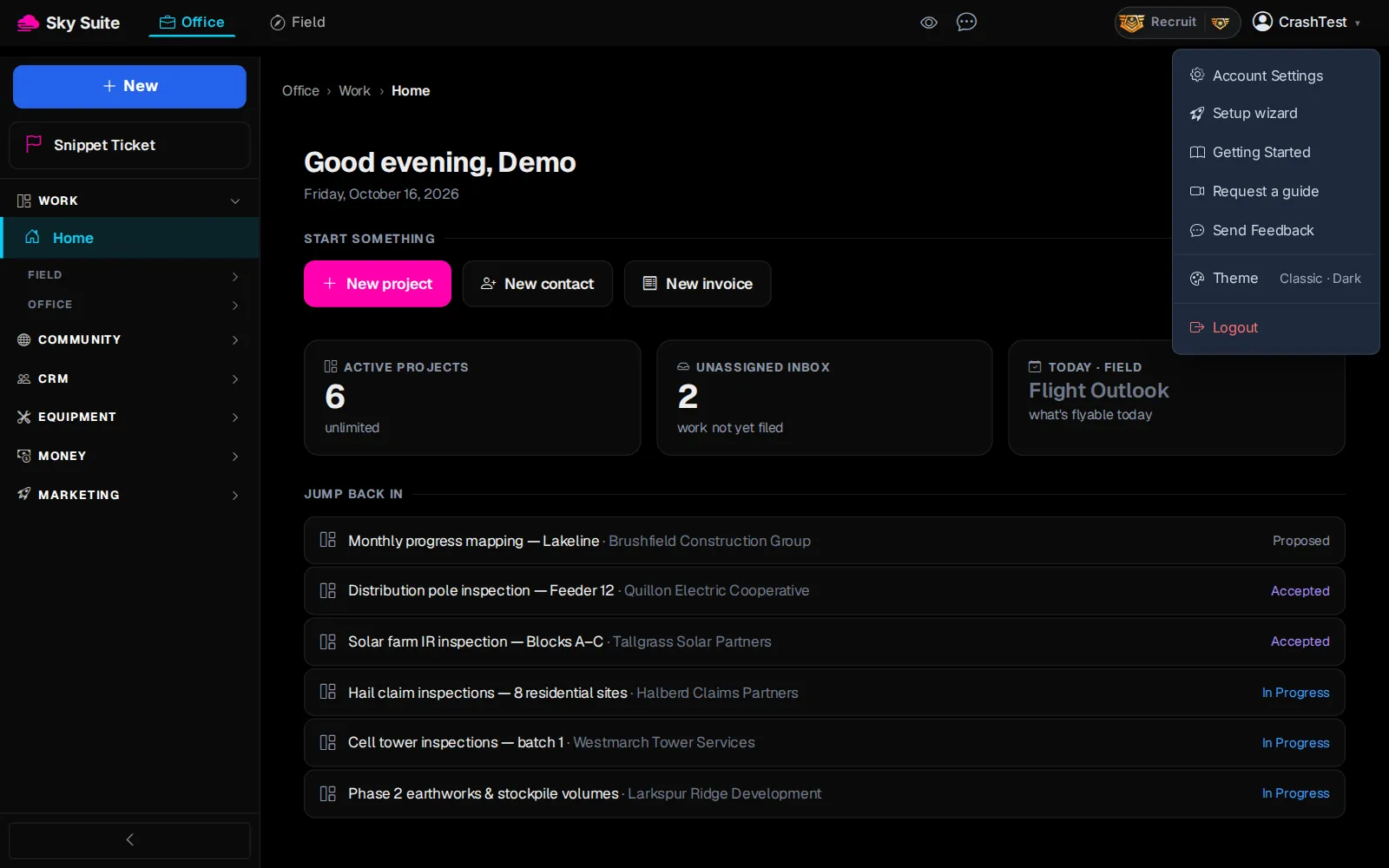
Step 2: Click “Setup wizard”.
Opens“Welcome to SkySuite”, on the “Your Profile” step.
-
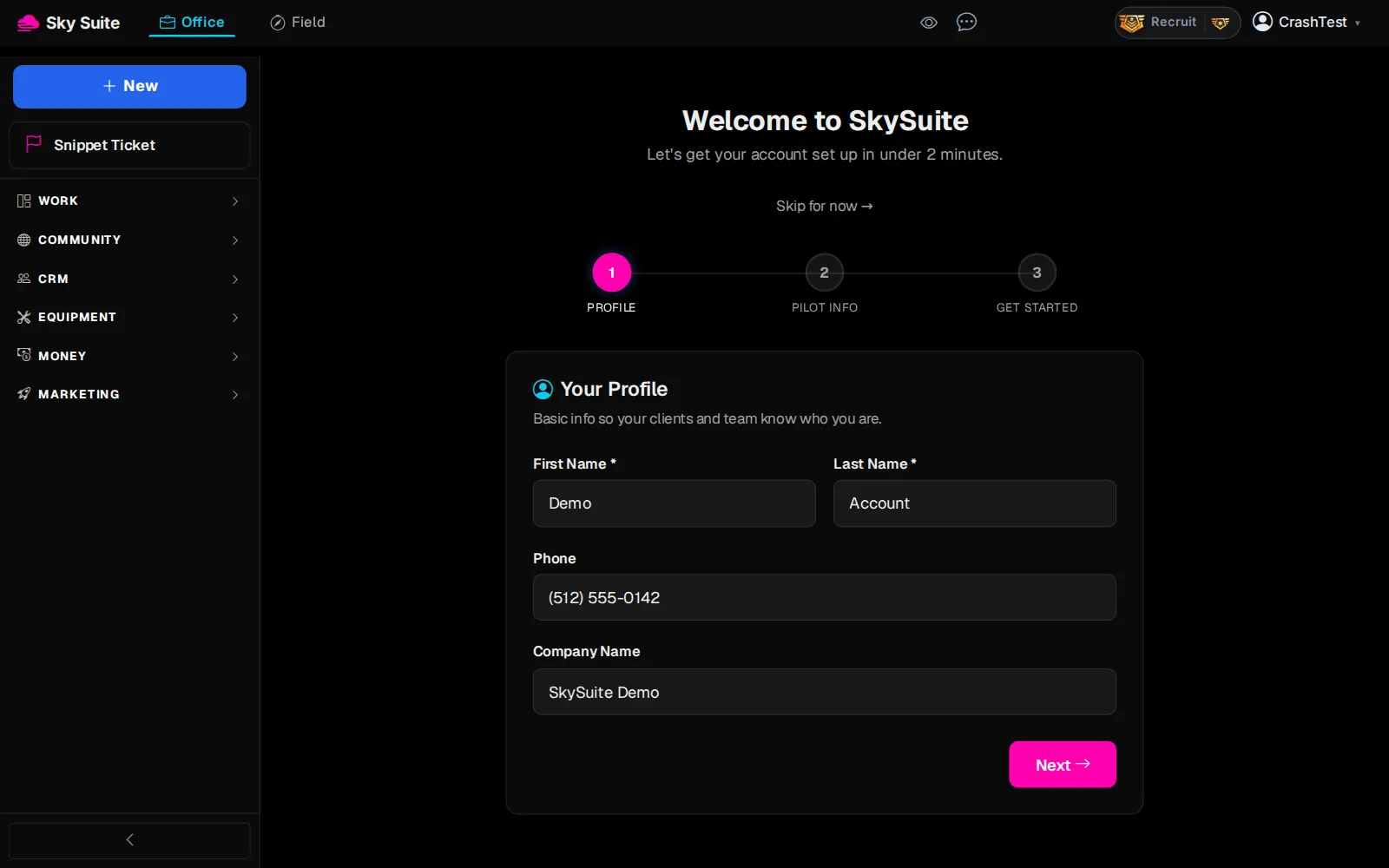
Step 3: Check “First Name *” and “Last Name *” (marker 1), then fill in “Phone” and “Company Name” (marker 2).
-
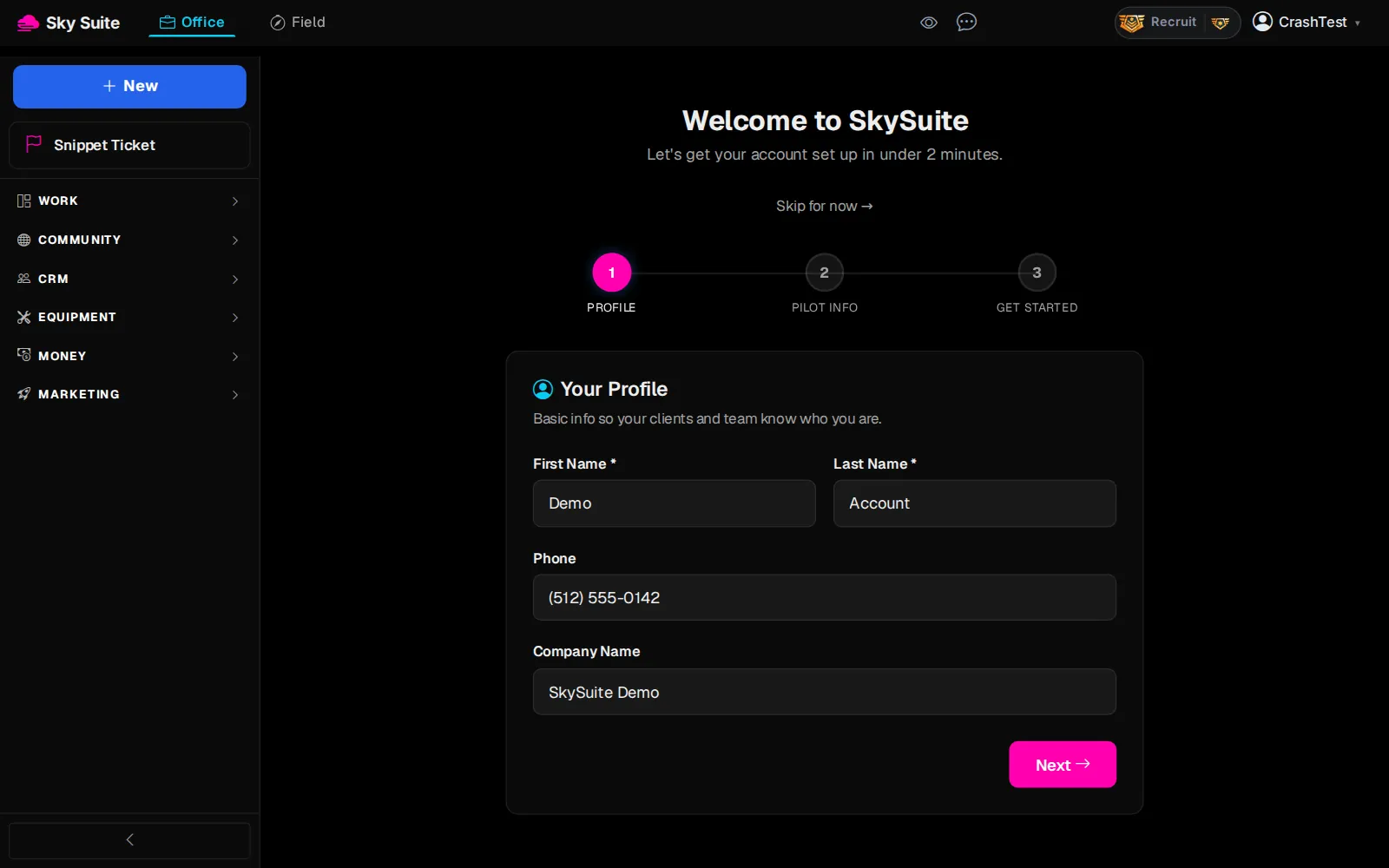
Step 4: Click “Next”.
OpensThe “Pilot Info” step.
-
Step 5: Fill in “FAA Certificate Number”, “Flying since (year)” and “Home base”, and click every industry you work in under “Industries you work in (pick all that apply)”. “Specialties (optional)” can wait.
-
Step 6: Click “Next”.
Opens“You're All Set!”, with shortcuts such as “Create a Project”, “Add a Contact” and “Check Weather”.
-
Step 7: Click “Go to DSP”, or click one of the shortcuts. Either one finishes setup, so the wizard does not open again when you next sign in.
OpensOffice › Work › Field › DSP, where your first project starts (or the page the shortcut names).
“Skip” on Pilot Info jumps to the last step without saving that page. “Skip for now →” at the top closes the wizard without saving anything; open it again any time from the menu under your name. Next: Set up your profile and company name.