Help & Guides / Step-by-step guide
Find your missions in the field
Open the mission list on your phone or tablet, find the one you're flying and get its plan onto the controller.
- Menu
- Field › Missions › Missions
- Direct link
- skysuite.pro/field/missions
- Level
- Basic
- Length
- 5 steps, about 2 minutes
-
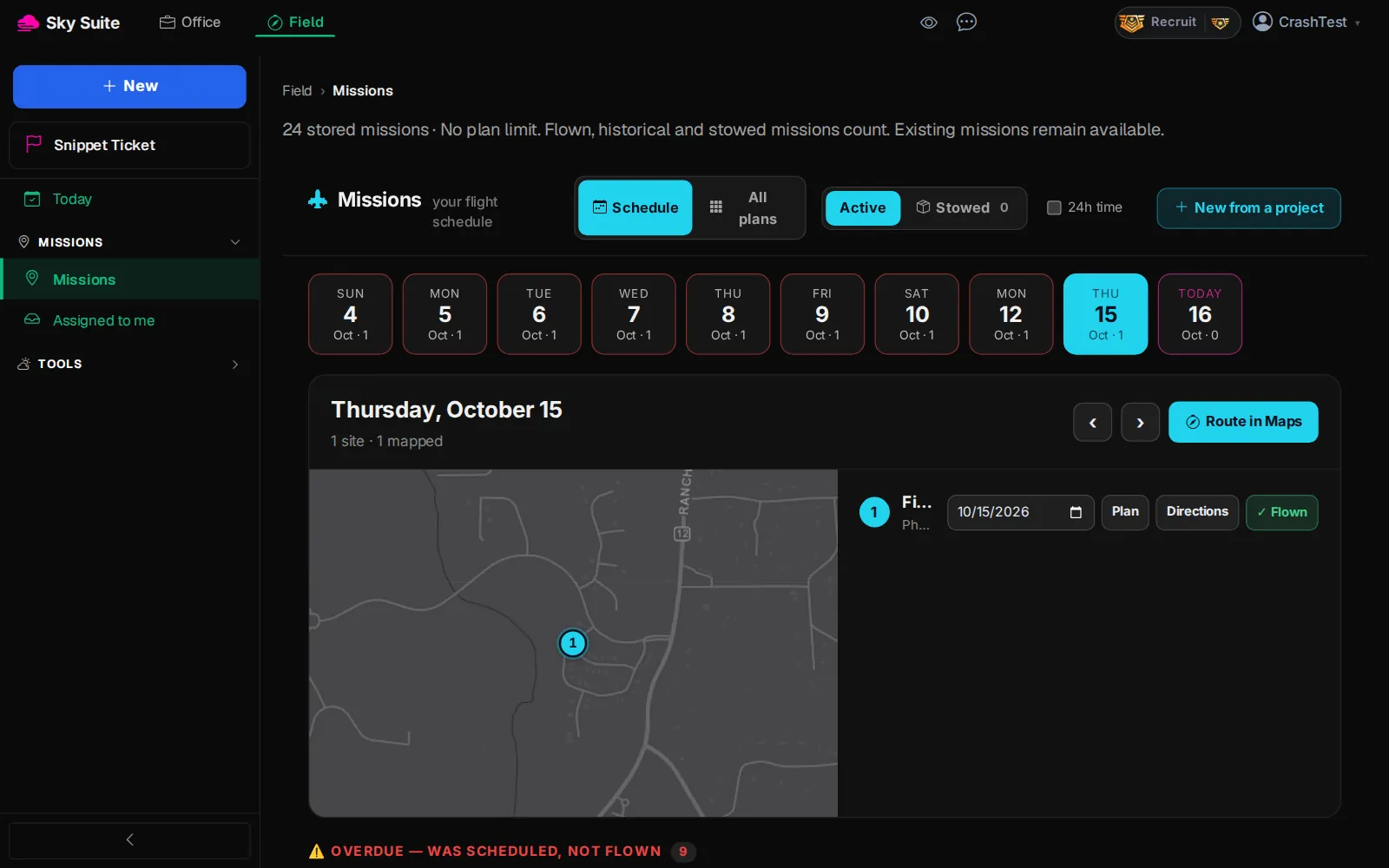
Step 1: At the top of the page, click “Field”. On a phone, open the menu first with the menu button at the top left.
OpensThe Field menu on the left: “Today”, “Missions” and “Tools”.
-
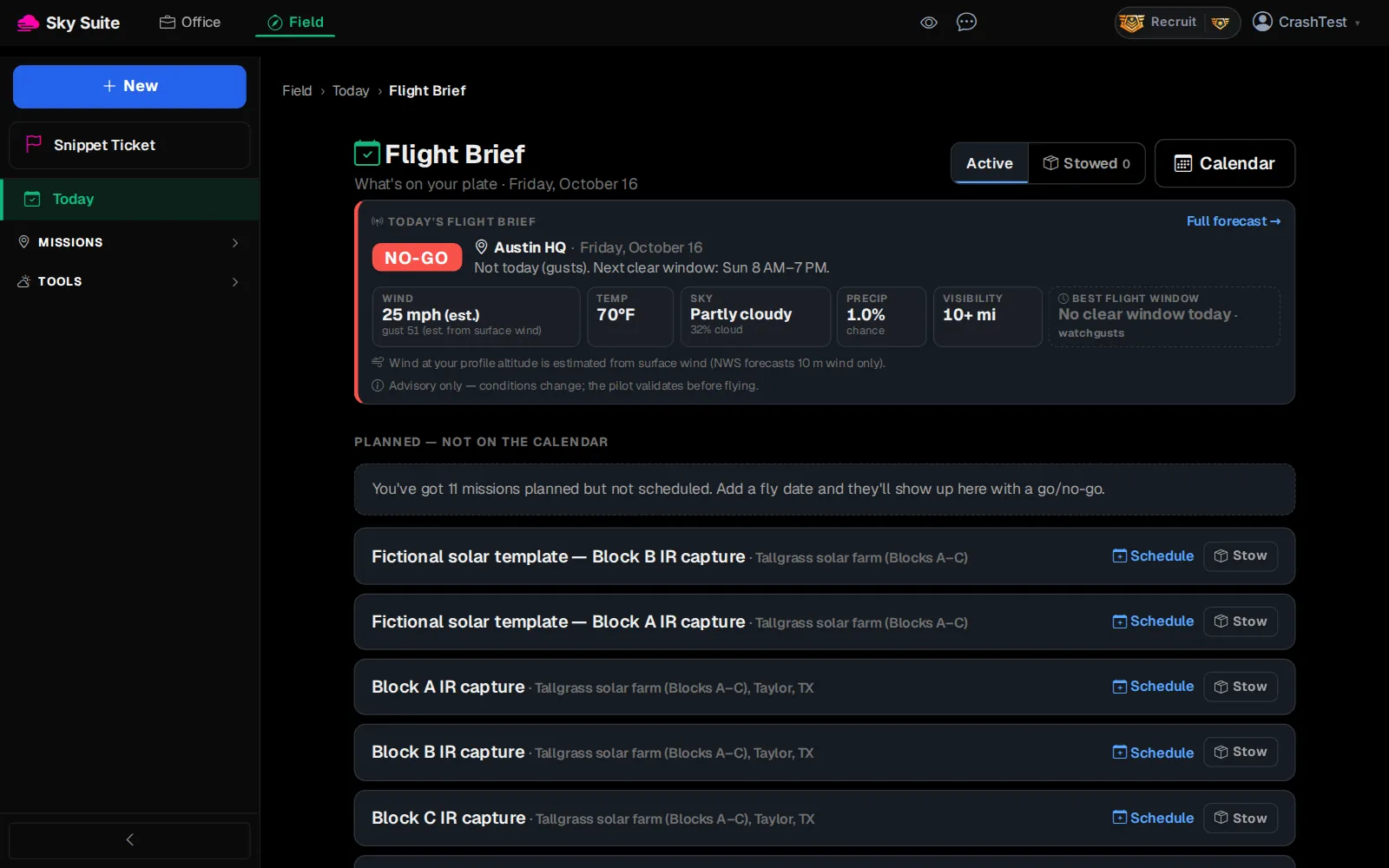
Step 2: In the left menu, click “Missions” to open the group.
OpensTwo pages: “Missions” (all of yours) and “Assigned to me” (missions a crew lead gave you).
-
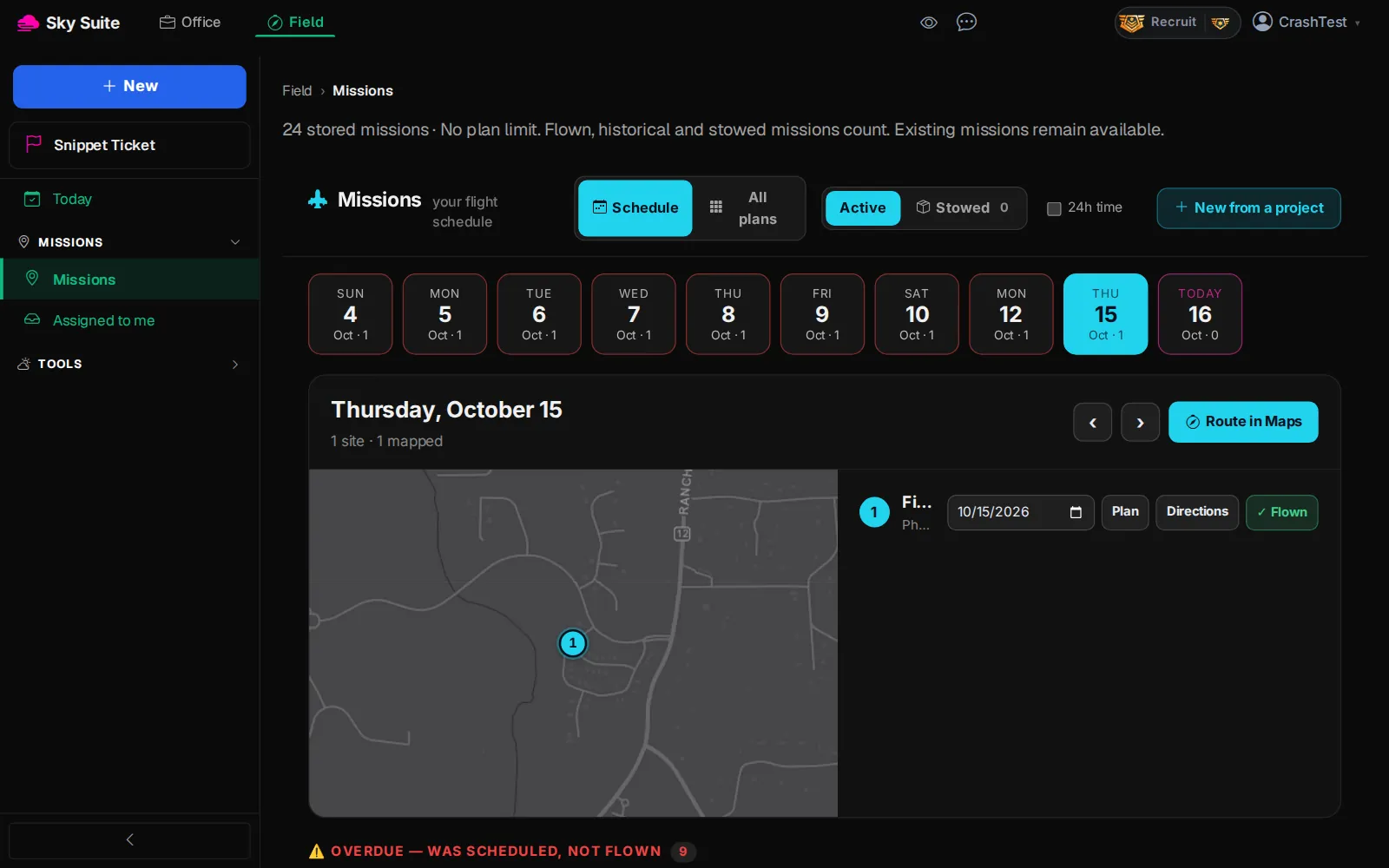
Step 3: Click “Missions”.
OpensThe “Missions” page, on the “Schedule” view.
-
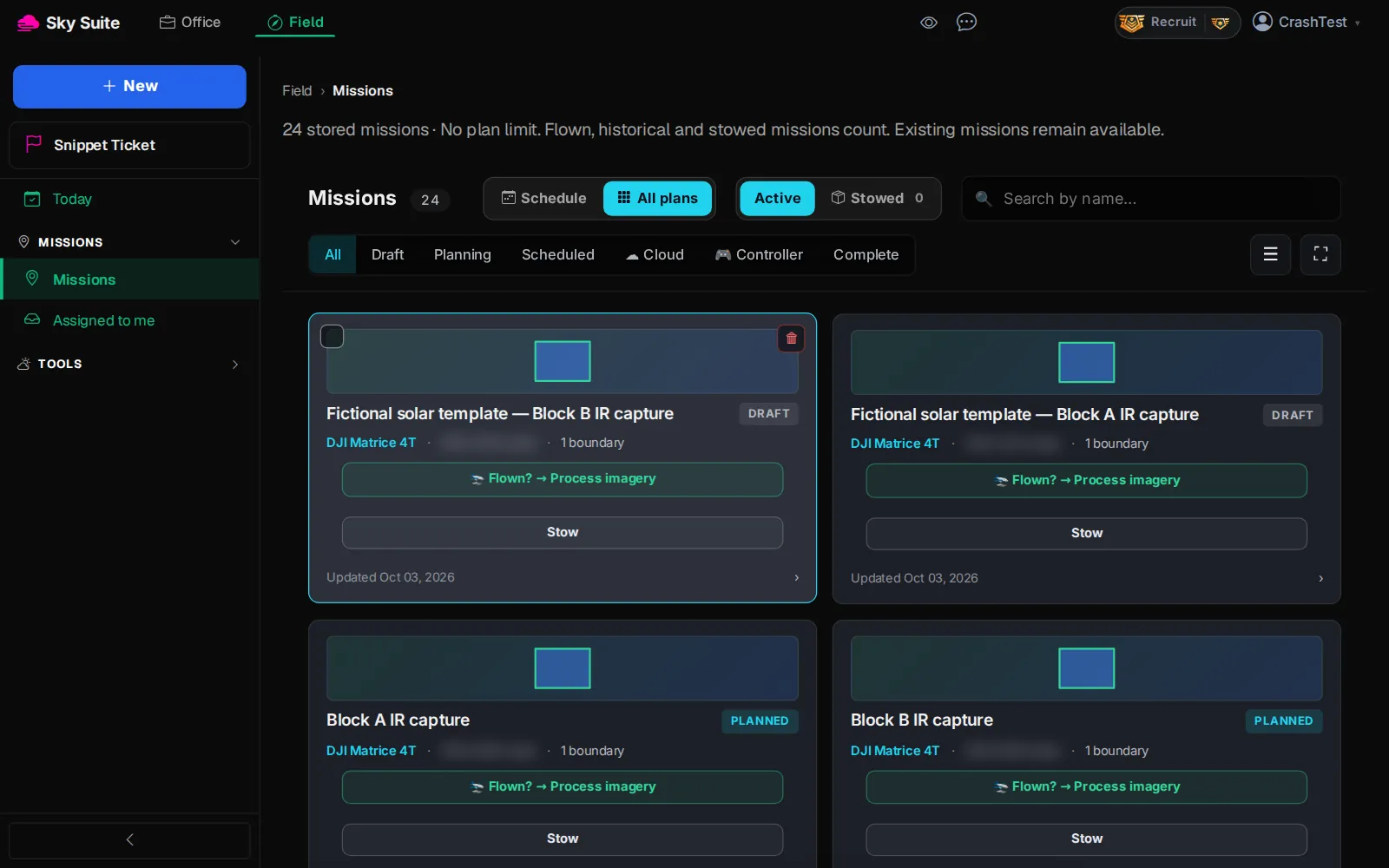
Step 4: Click “All plans” (marker 1). To narrow the list, click a status such as “Scheduled” (marker 2) or type in “Search by name…”.
OpensEvery mission as a card with its status, drone and GSD.
-
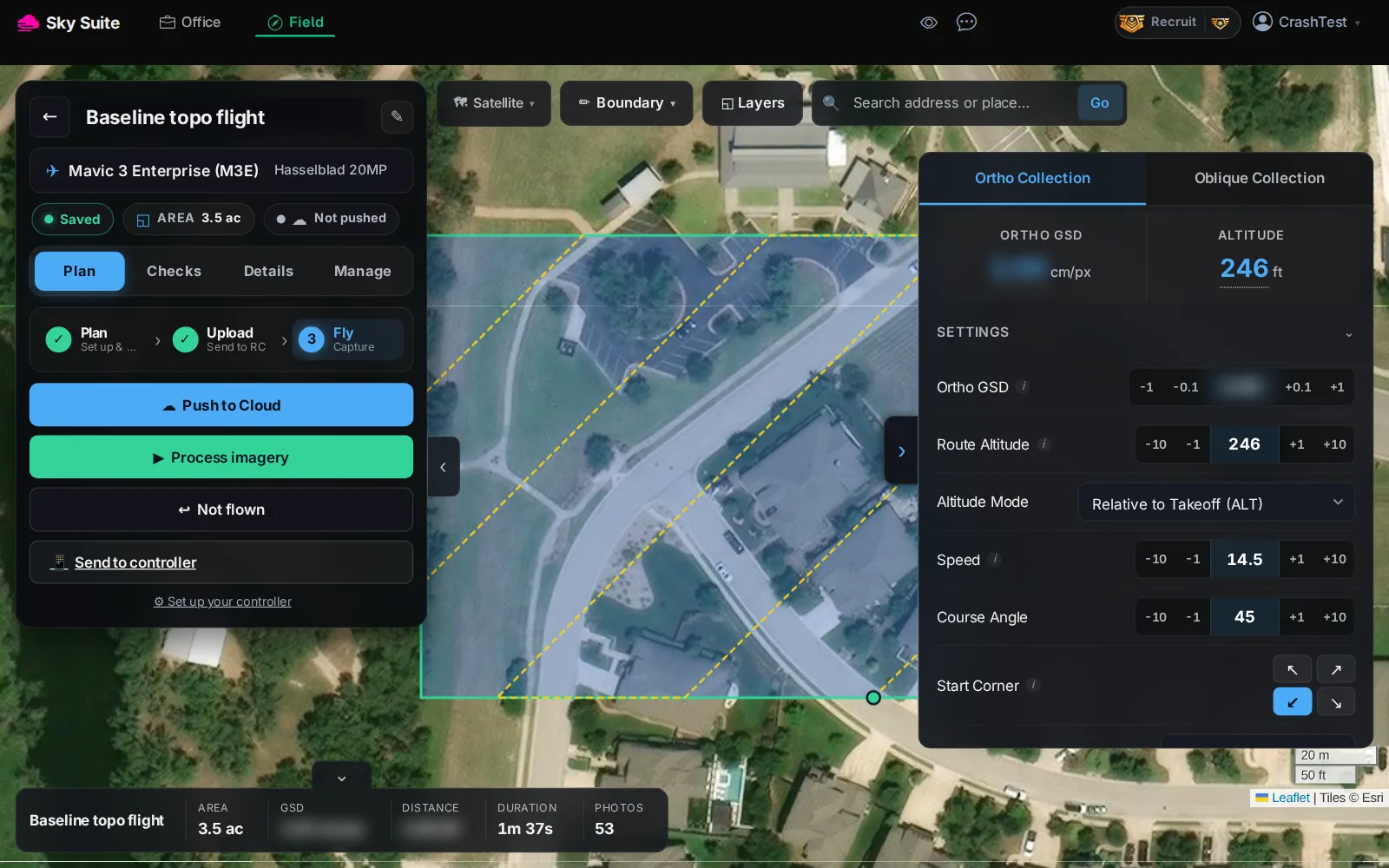
Step 5: Click the mission you are flying. On its plan, click “Push to Cloud” (marker 1) to send it to DJI Pilot 2, or “Send to controller” (marker 2) for a link to open on the controller.
OpensThe mission's plan. After “Push to Cloud” the pill at the top reads “Pushed to Cloud ✓” and the plan is in the Cloud tab of DJI Pilot 2.
“Assigned to me” (Field › Missions › Assigned to me) shows only the missions a crew lead gave you. To plan a new mission, start from its project: Plan a mission.