Site planning
Plan the capture for each tower
Use site records and mission planning to organize the work. Apply your own carrier shot list and pilot checklist.
- Site and mission records
- Your carrier requirements
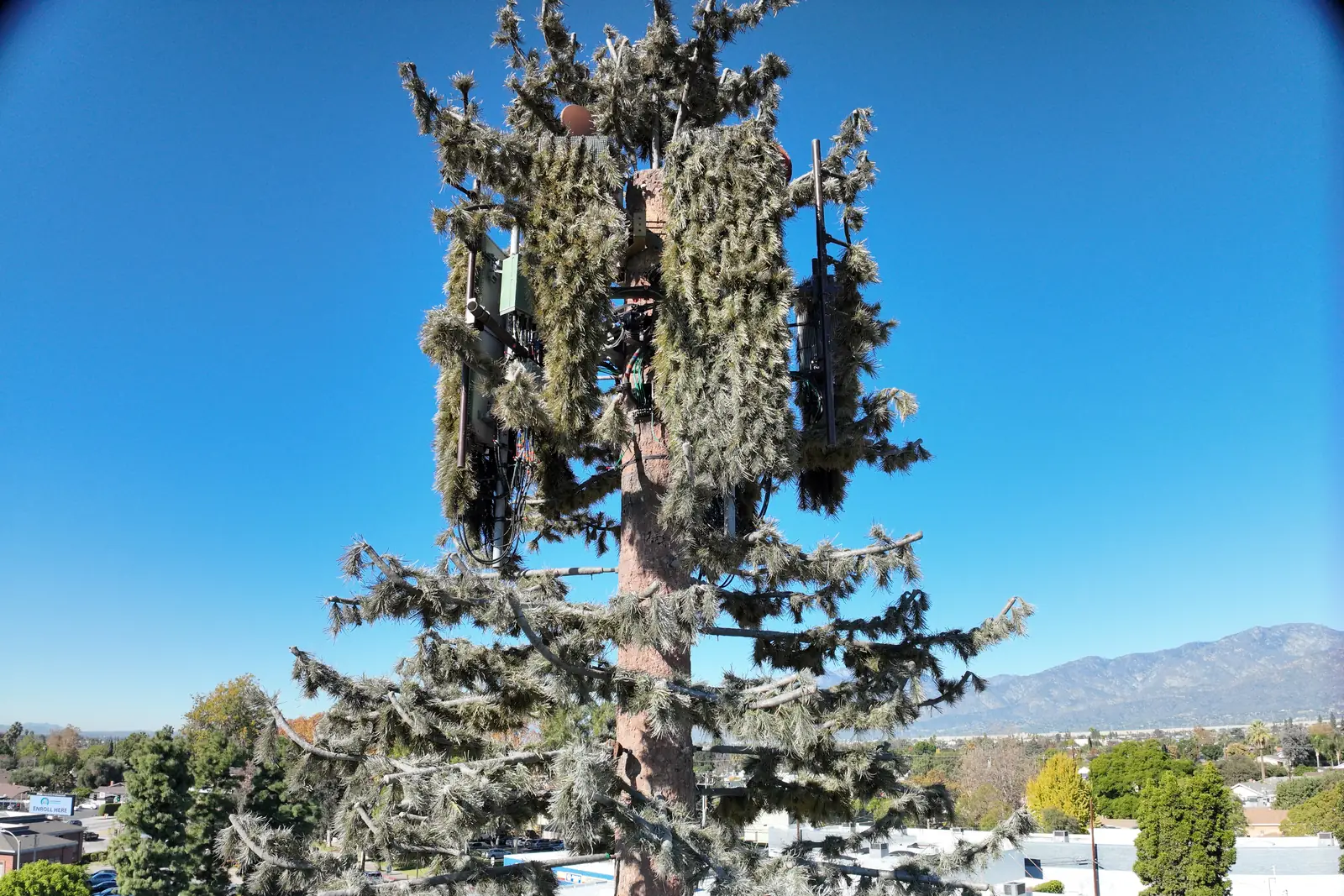
Cell tower & telecom inspection
Plan each tower orbit, assign the sites to your pilots, track every site's step in the field and share the inspection files with the client. You choose the angles and shot list your contract requires.
Site planning
Use site records and mission planning to organize the work. Apply your own carrier shot list and pilot checklist.
Capture record
Keep site and mission records with the inspection files you capture. Review available operator and location metadata against the requirements of your contract.
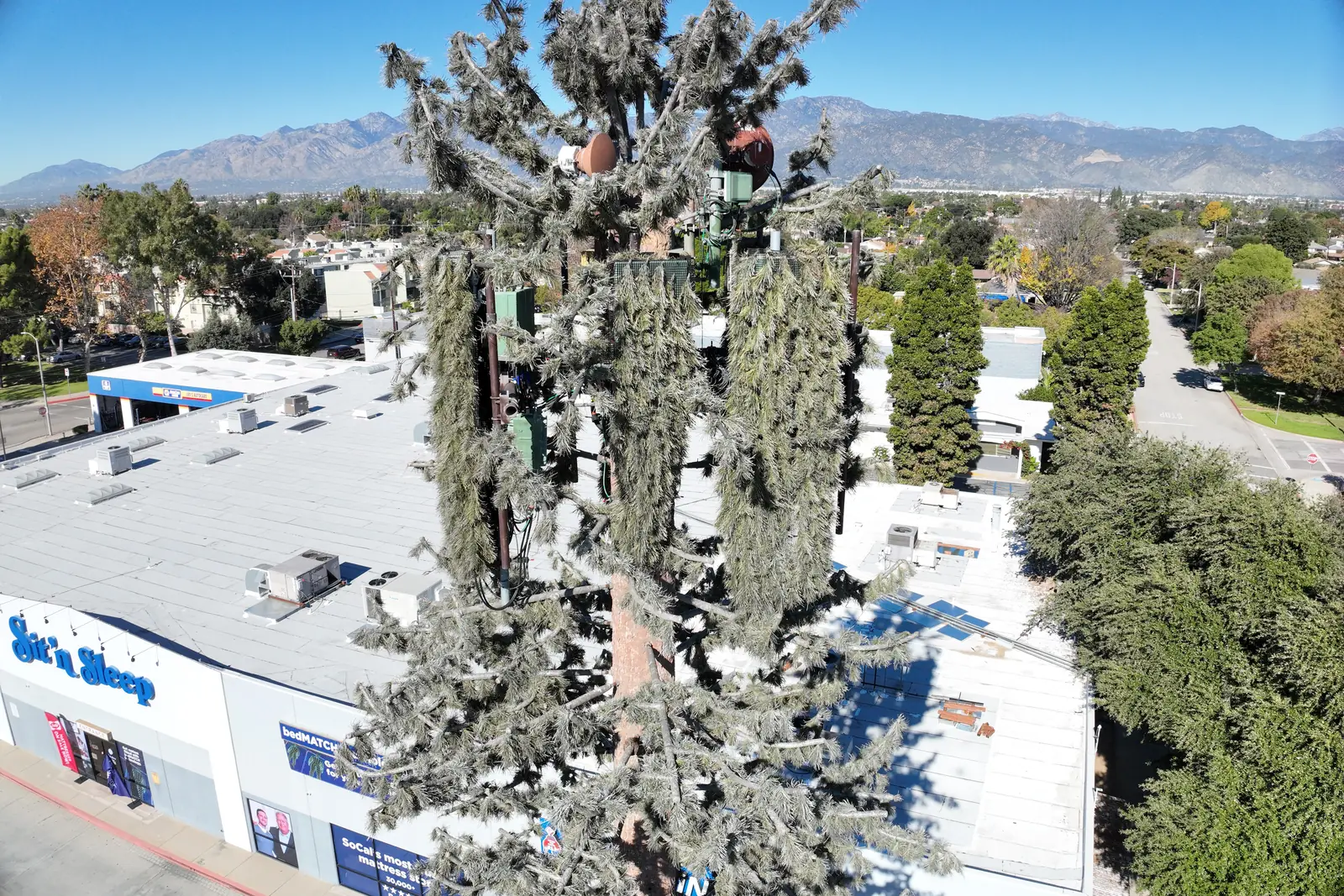
Every site, every step
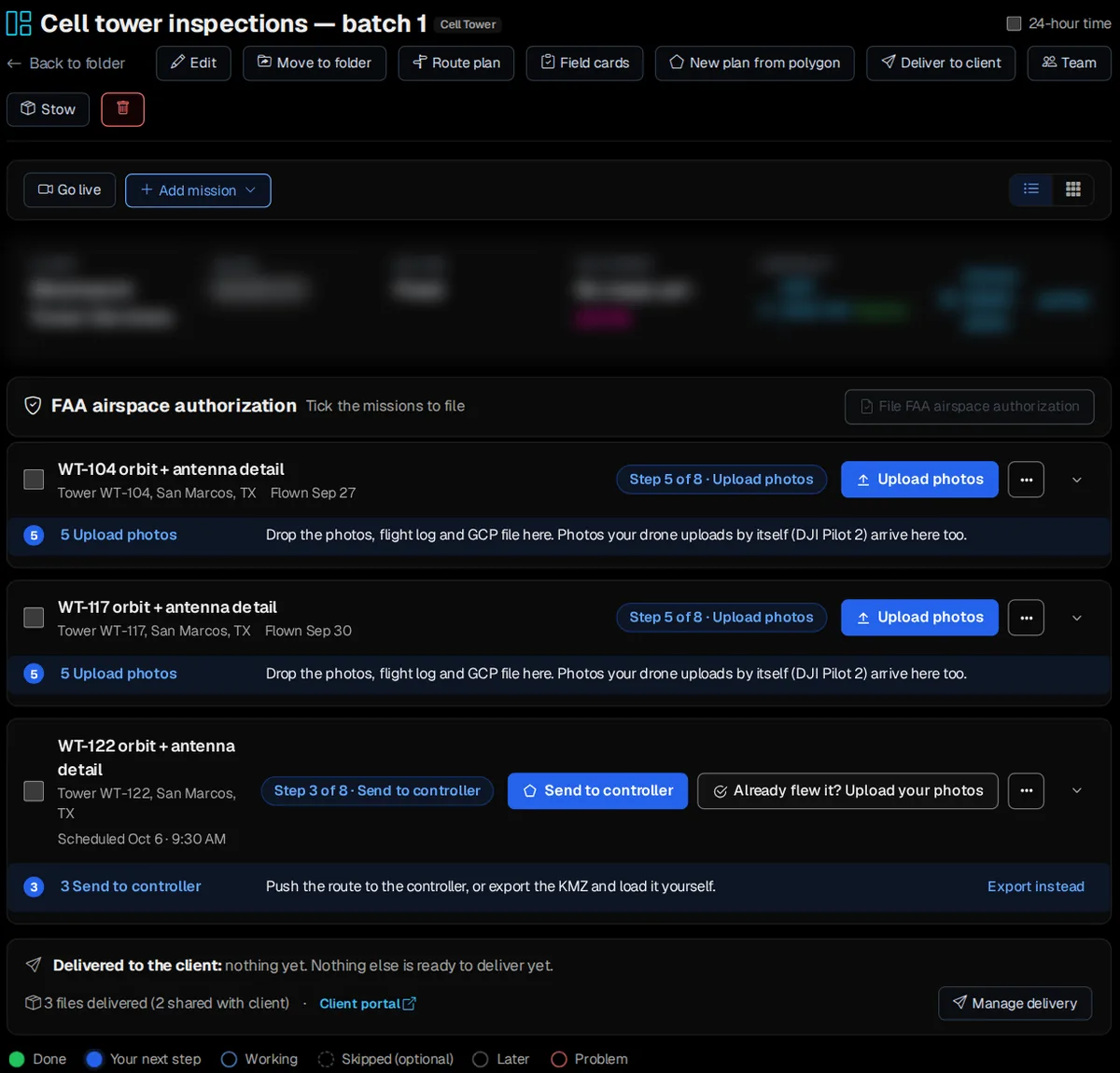
Each tower is its own mission on the project in Office › Work › Field › DSP, with the step it's on. One is waiting to go to the controller, two are flown and waiting for their photos, and the client's delivery sits at the bottom.
Assign it out
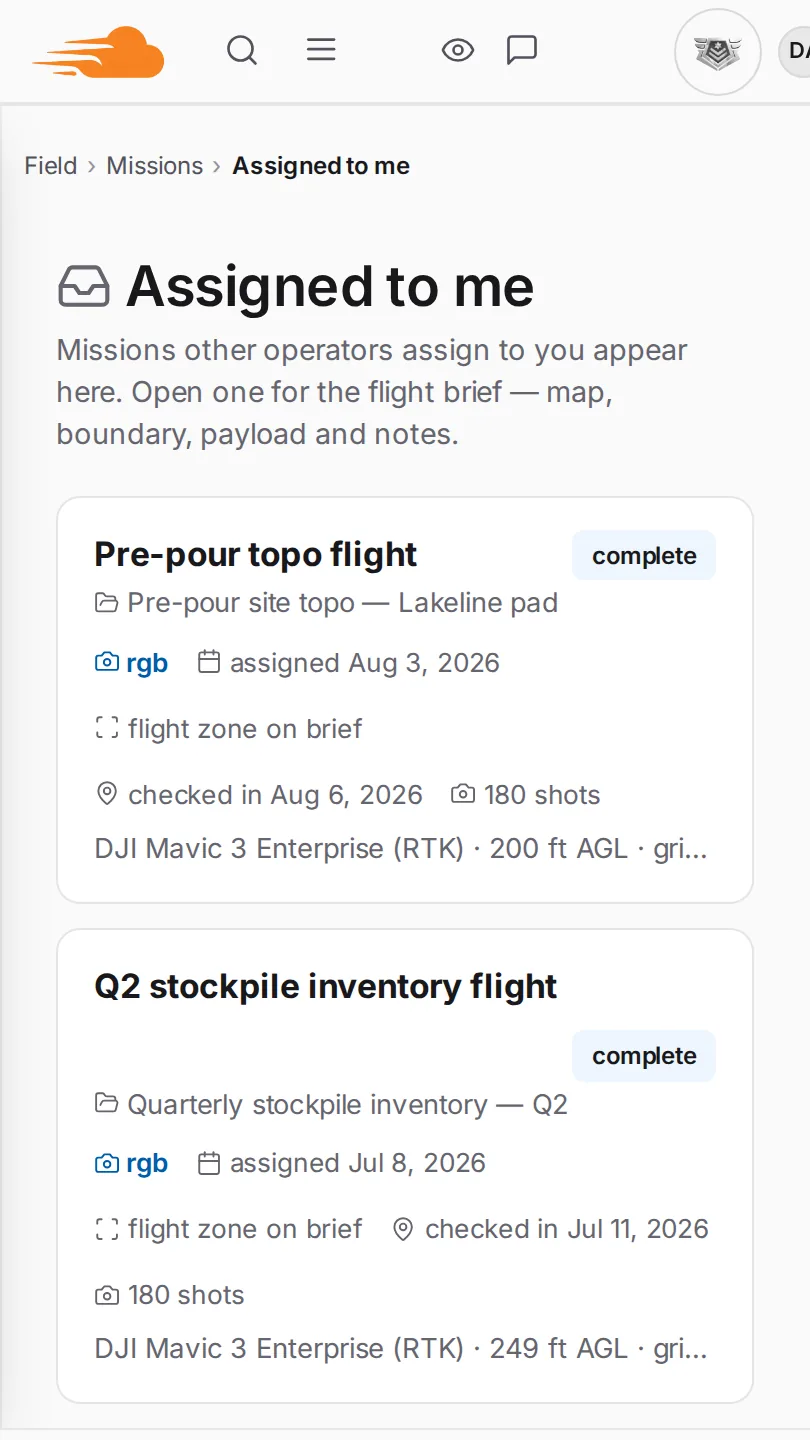
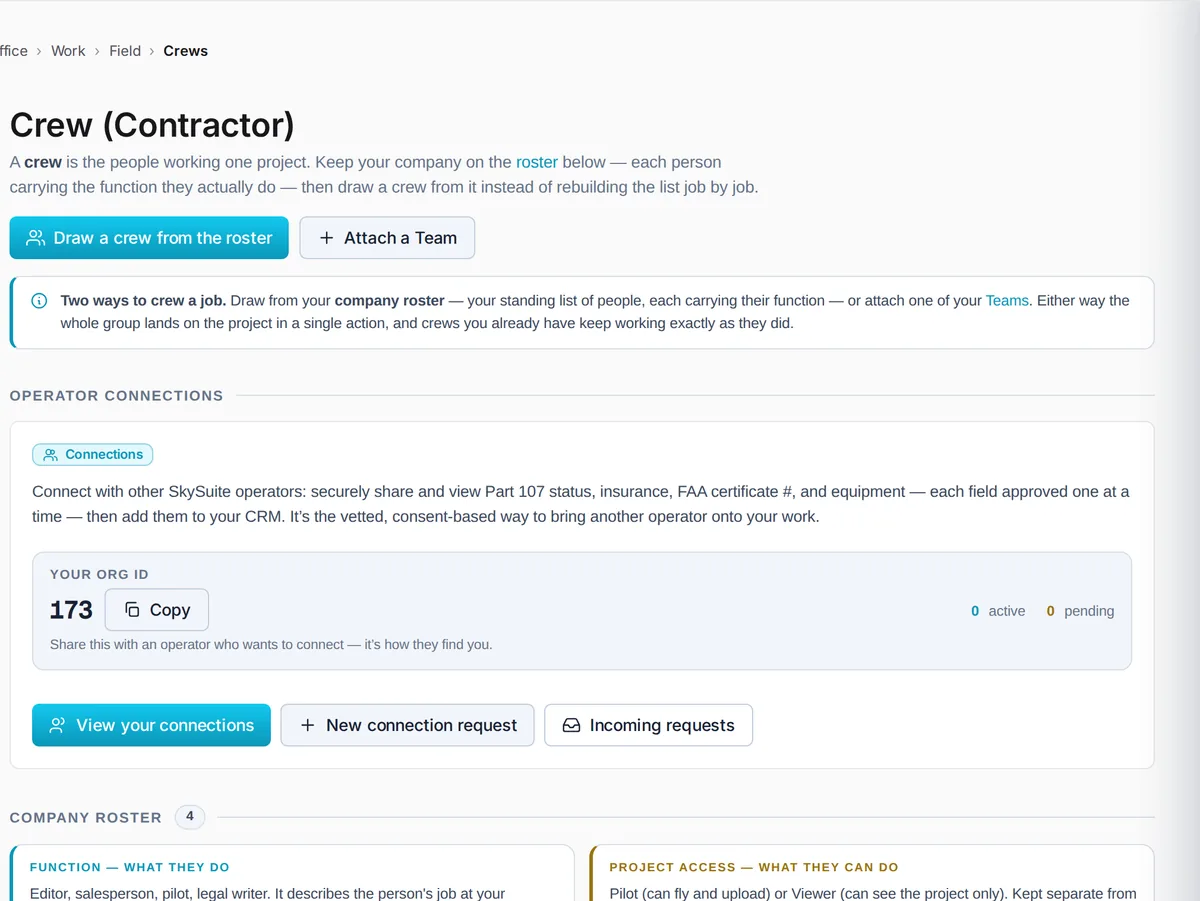
Click Team on the project and pick a pilot for each mission, or draw a crew from your roster in Office › Work › Field › Crews. Each pilot sees their sites in Field › Missions › Assigned to me, on their phone.
Fleet-scale operations
Active crews show each job's people, their status and the missions in flight, the tower batch included. Wrap a crew when the work is done; everything stays on the project.
Free never runs out. No card required. Try Pro free for 14 days, or 30 days with a card. Plan your next tower batch today, or book a demo and we'll walk through it with your crew.
Comparing plans? See plans & pricing.