How a response flight runs in SkySuite
A call comes in.
Four steps, one mission record.
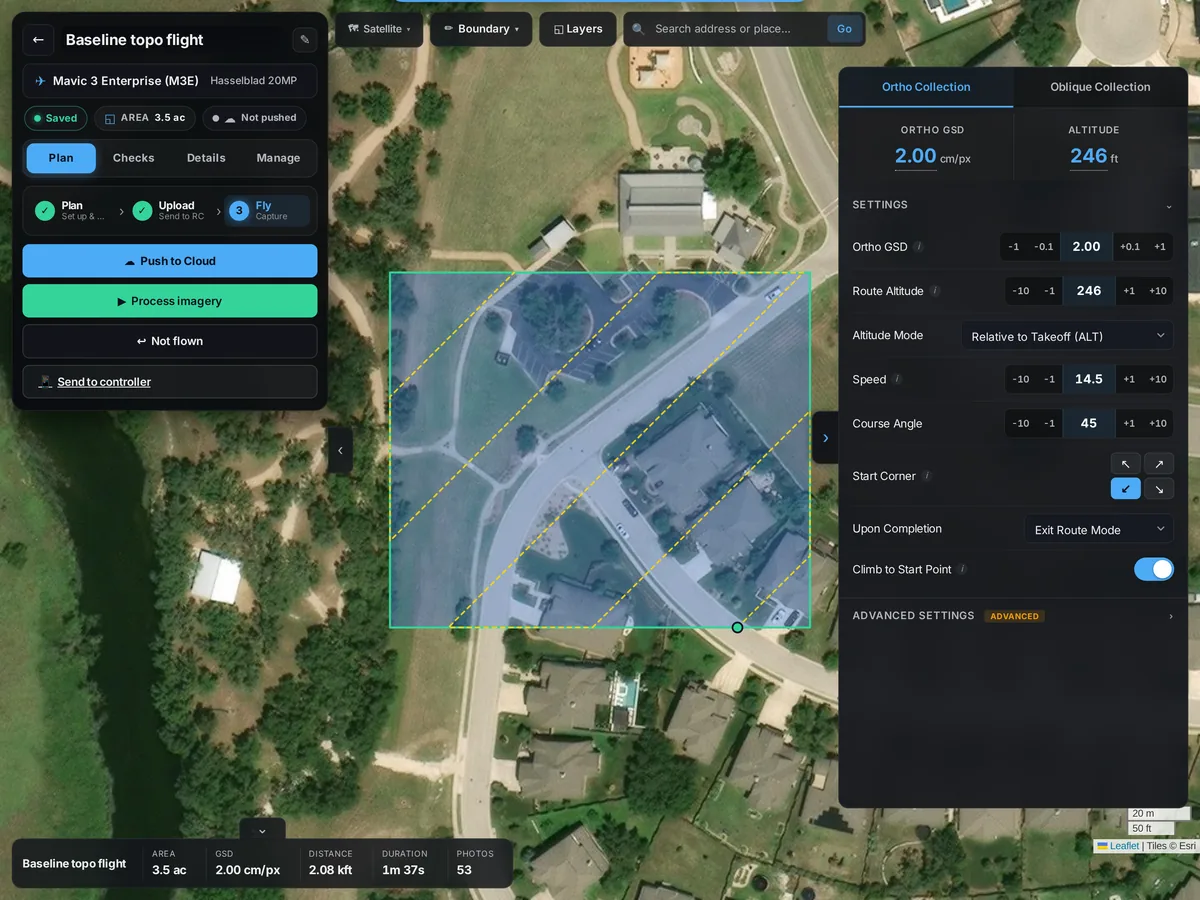
- Plan the area. Draw the search or incident area in the planner, or import a KML or KMZ boundary, and pick the aircraft.
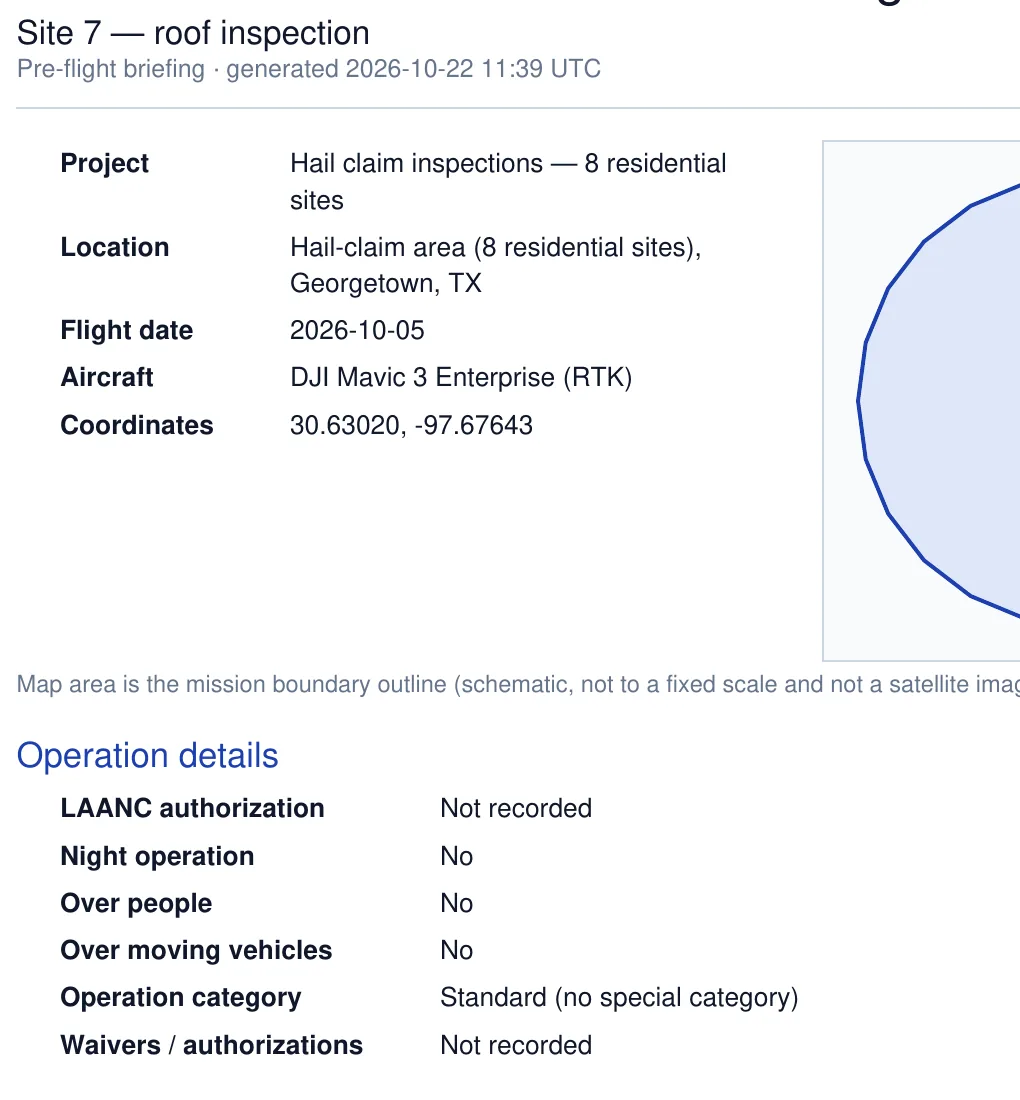
- Brief the crew. Generate the mission's briefing PDF. It lists the location, aircraft, crew roles, operation details such as night or over-people operations and LAANC, the airspace check and the weather.
- Fly and share the view. Go live from the project and SkyStream sends the drone's camera from DJI Fly or DJI Pilot 2 to a watch link, with an optional PIN, for the people who need to see it.
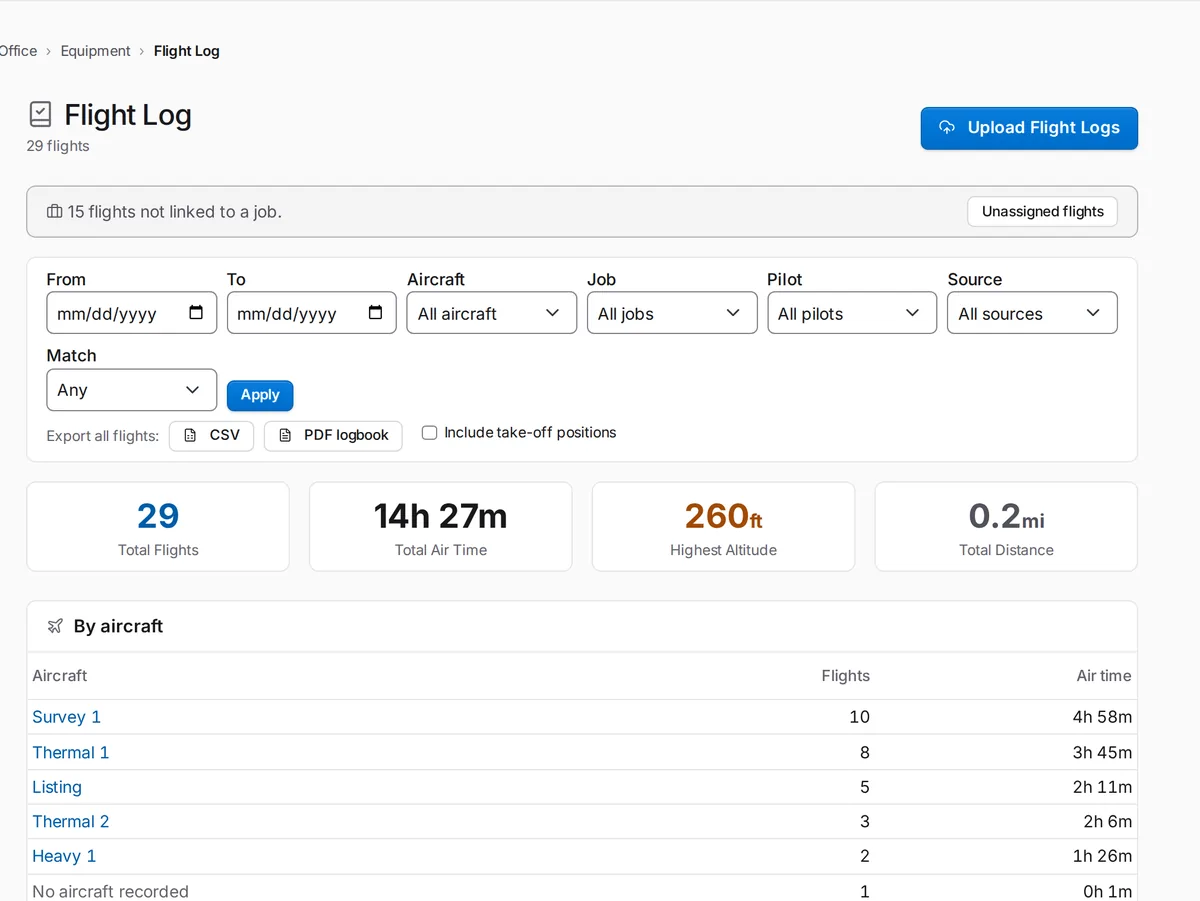
- Close it out. Upload the flight logs and photos to the same mission, so everything about that flight is in one place for the after-action review.
Your pilots plan and fly every mission, and SkySuite keeps the plan, the briefing, the logs and the photos together for your after-action review.