Help & Guides / Step-by-step guide
Sync your calendar with Google
Connect Google Calendar so jobs and events sync both ways.
- Menu
- Settings › Integrations › Calendar Sync
- Direct link
- skysuite.pro/settings/integrations/calendar-sync
- Level
- Expert
- Length
- 6 steps, about 3 minutes
-
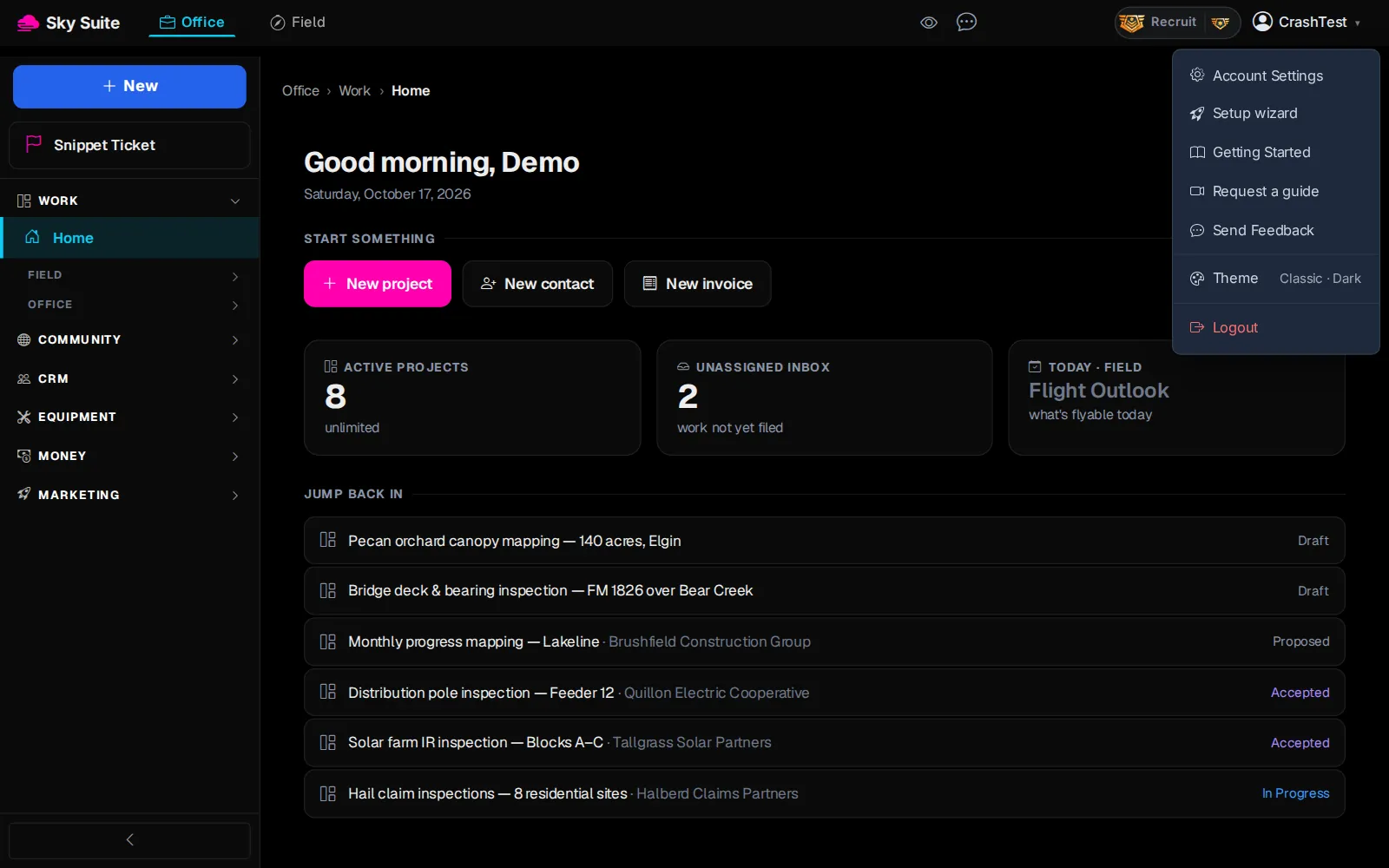
Step 1: At the top right, click your name, then “Account Settings”.
OpensYour settings, with the Settings menu on the left.
-
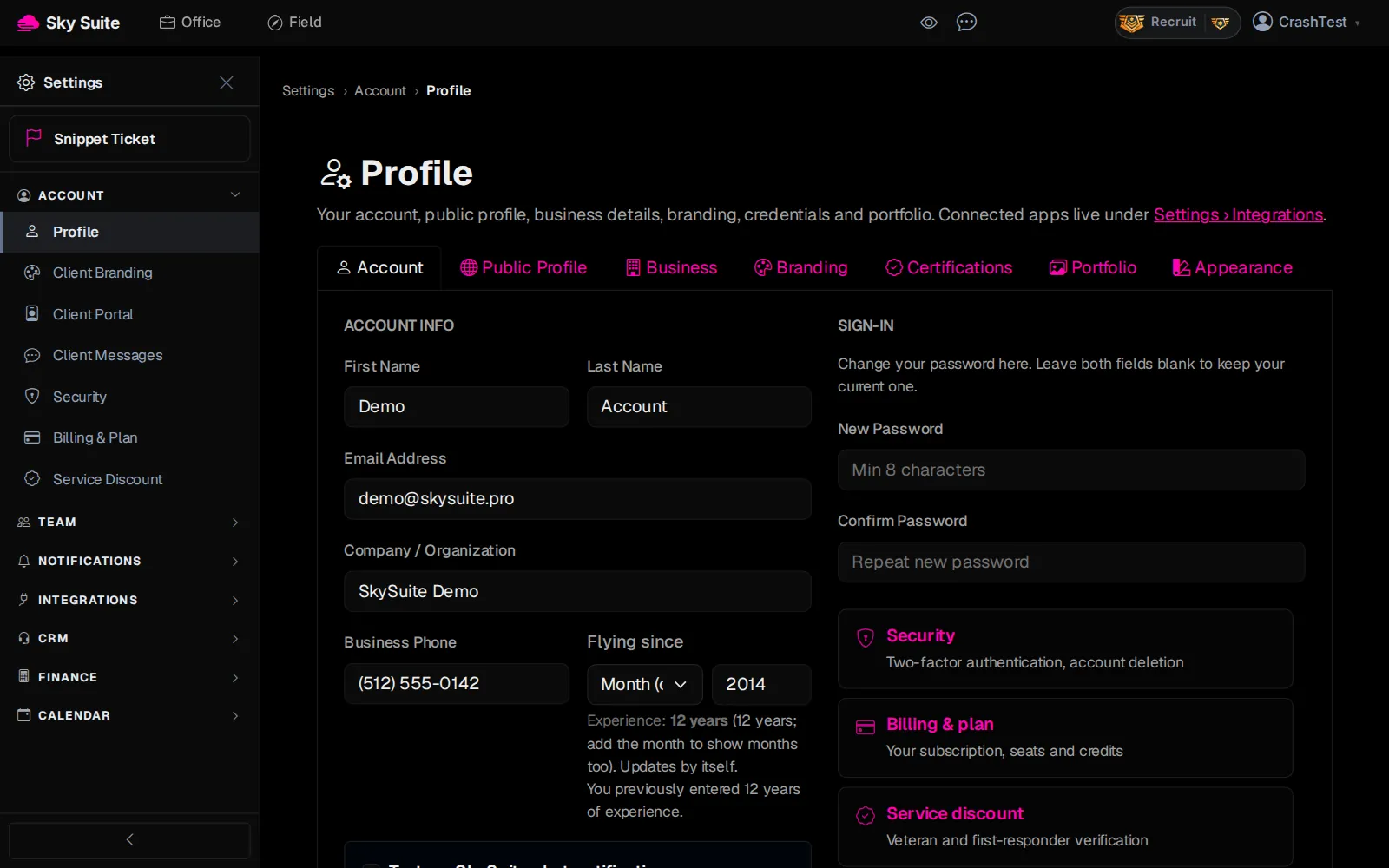
Step 2: In the left menu, click “Integrations” to open the group.
Opens“Connected Apps”, “Calendar Sync”, “API Keys” and more.
-
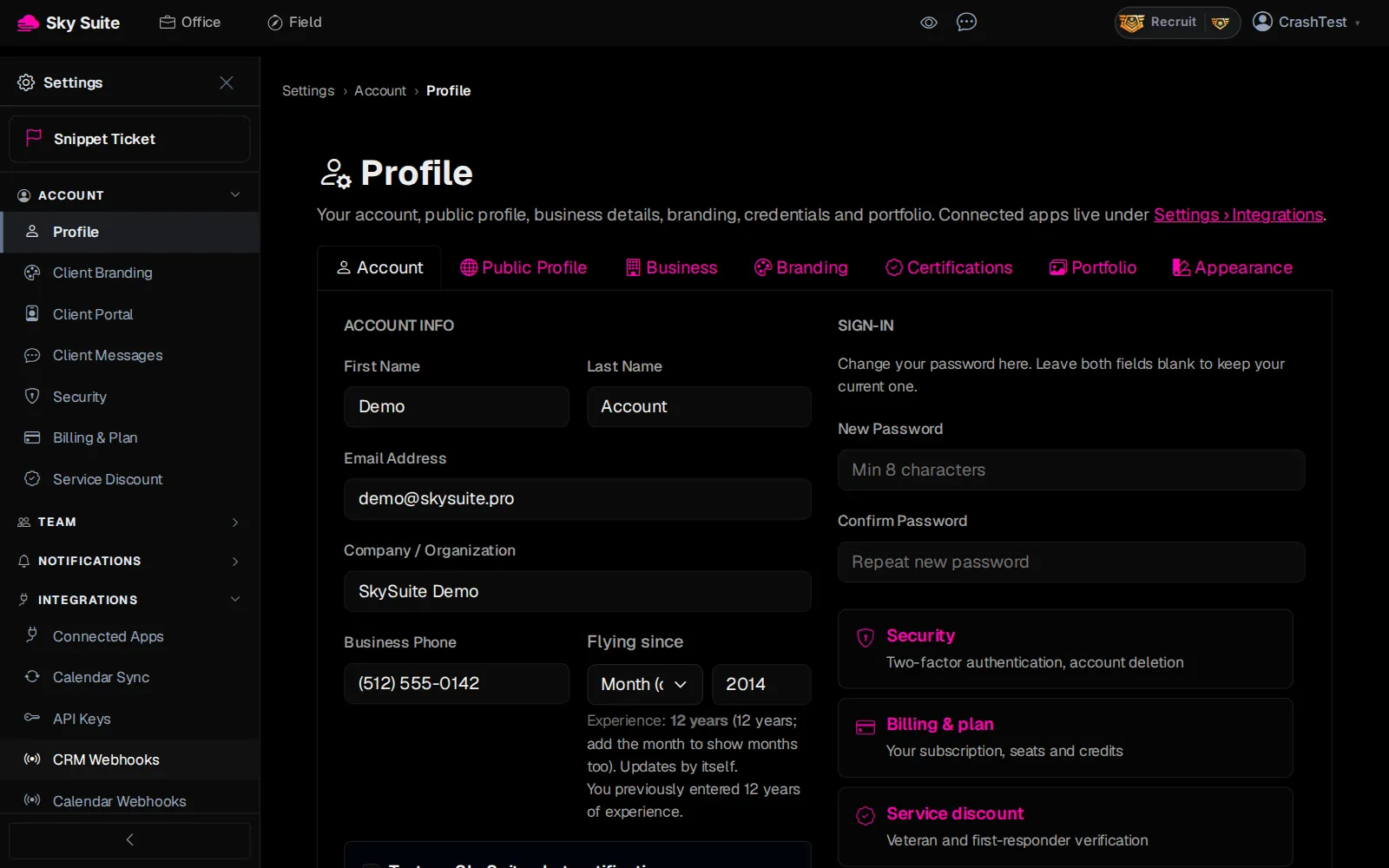
Step 3: Click “Calendar Sync”.
OpensThe “Calendar Sync” page.
-
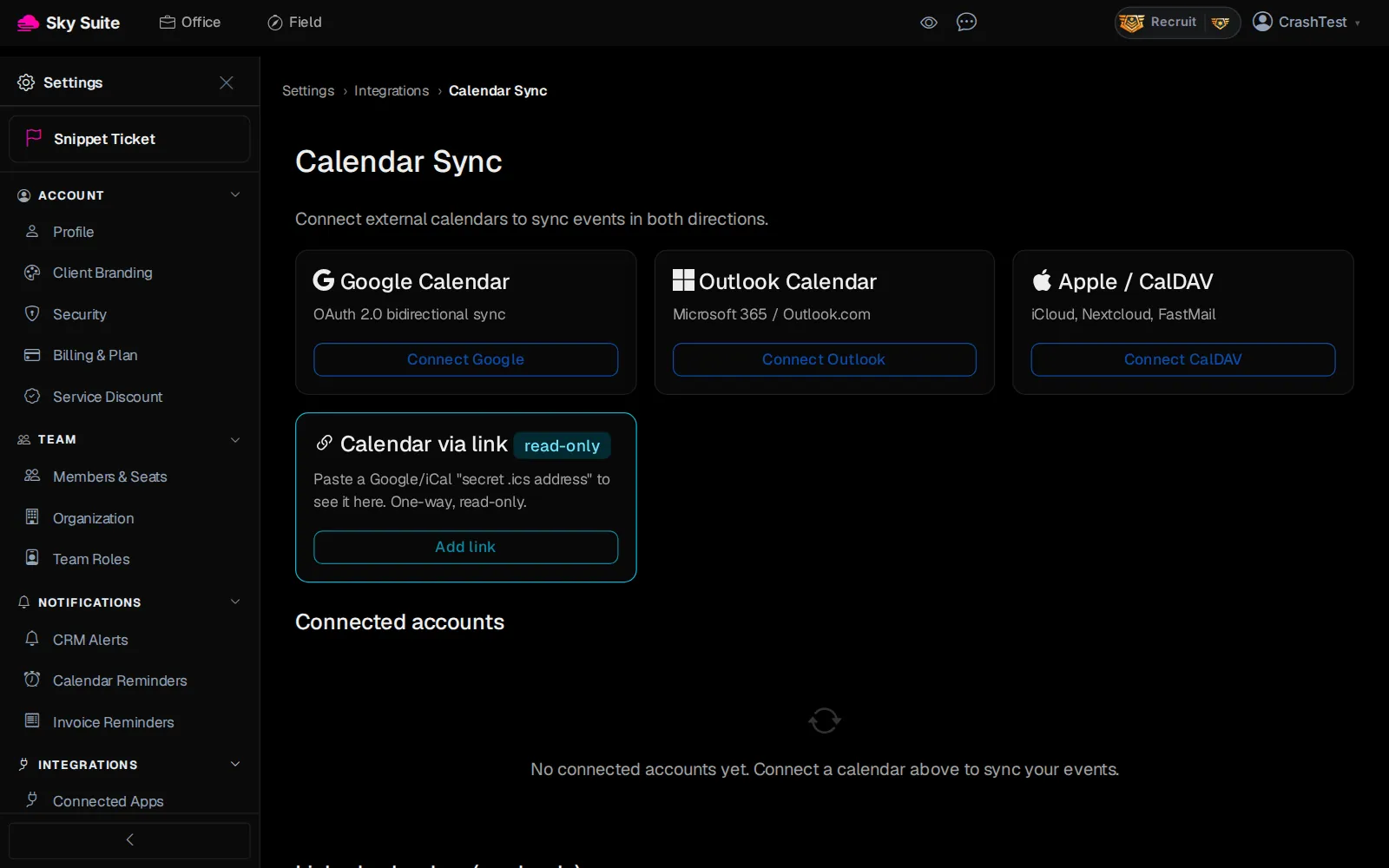
Step 4: On “Google Calendar”, click “Connect Google” (marker 1). Outlook and Apple calendars connect the same way.
OpensGoogle's sign-in page.
-
Step 5: Pick your Google account and click “Allow”.
OpensCalendar Sync again.
-
Step 6: Your account is now under “Connected accounts”: click “Sync now”.
OpensNothing new to open: your events sync both ways from now on, so jobs you schedule show in Google Calendar and Google events show in SkySuite. “Disconnect” stops it.
Only want to see another calendar, read-only? “Calendar via link” takes a Google or iCal secret address instead.